Welcome to the Dance Technic App
How-To Video
Note: To use all features of this app, you must first create and verify your profile.
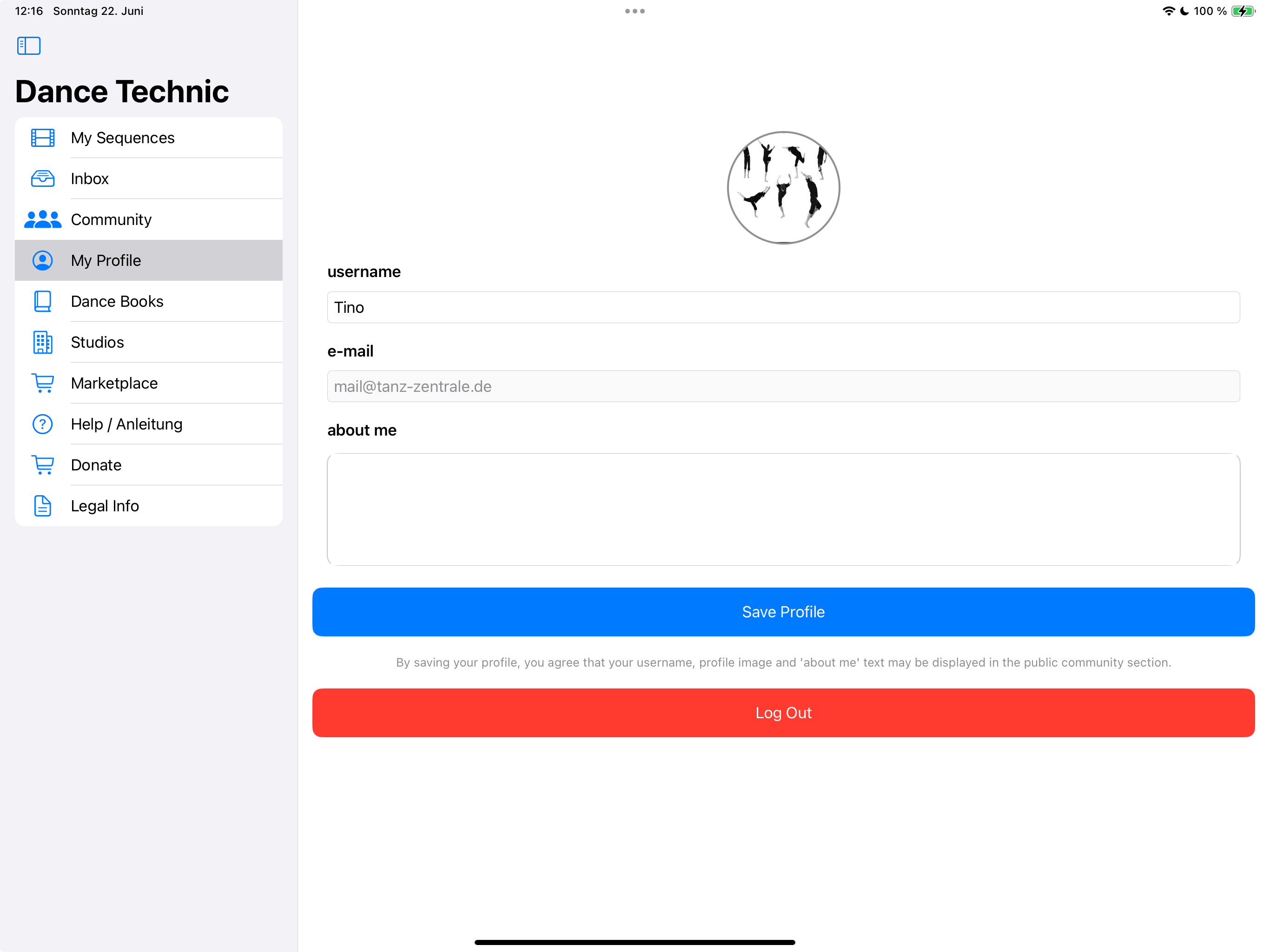
Go to Create Profile to get started.
Getting Started
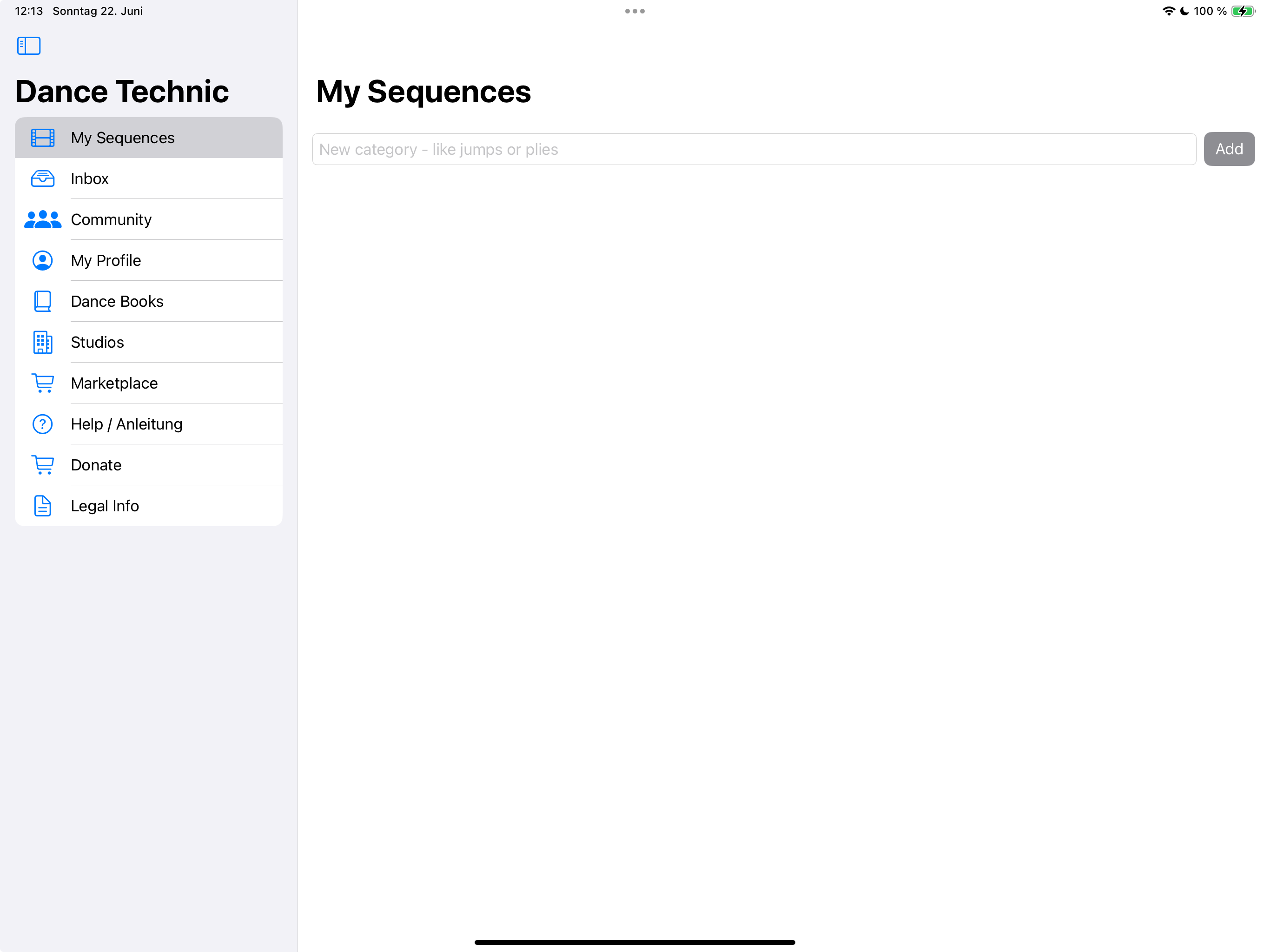
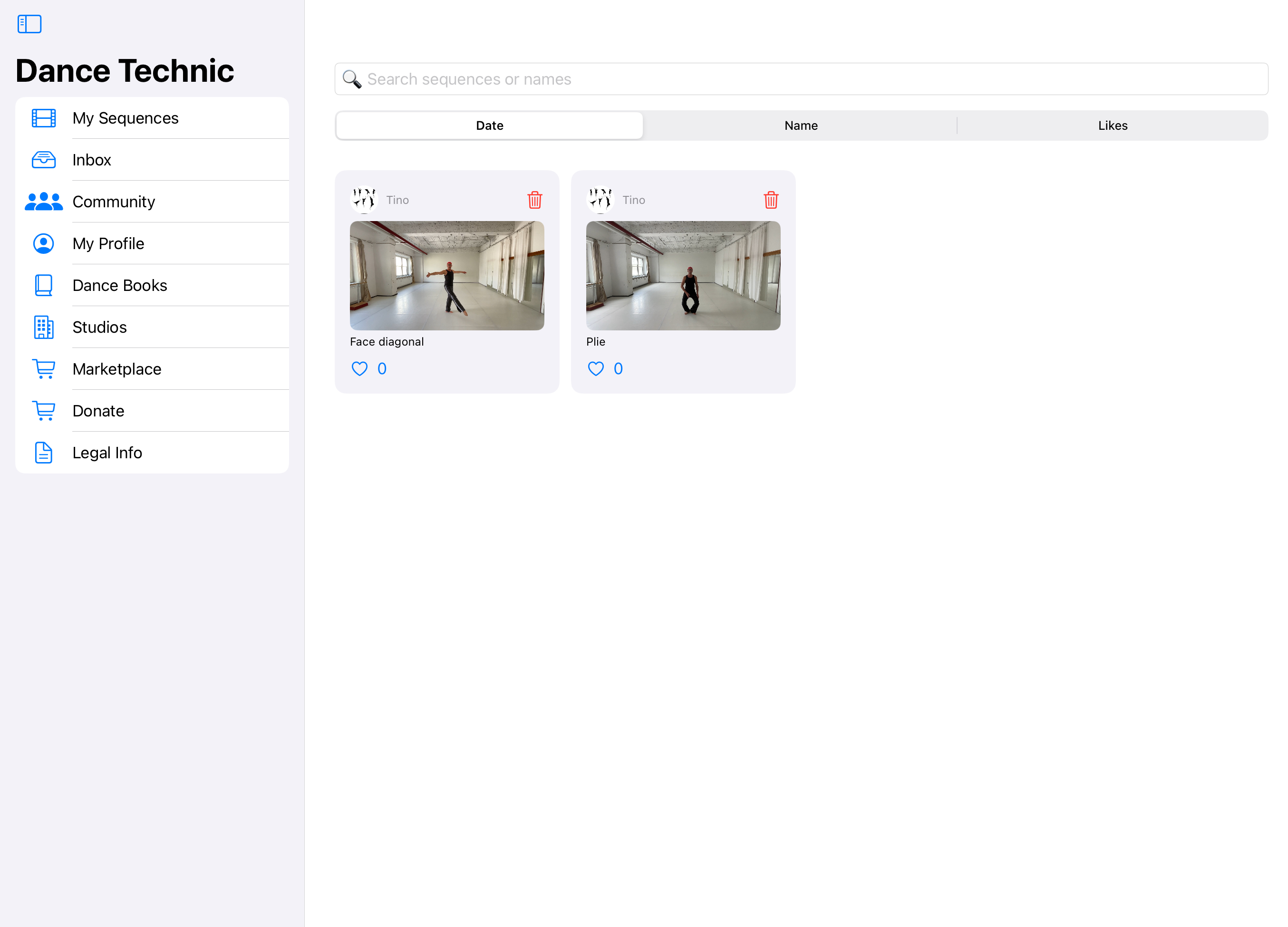
Go to My Sequences and create a new sequence. Name it however you like, for example Plies or Jumps.
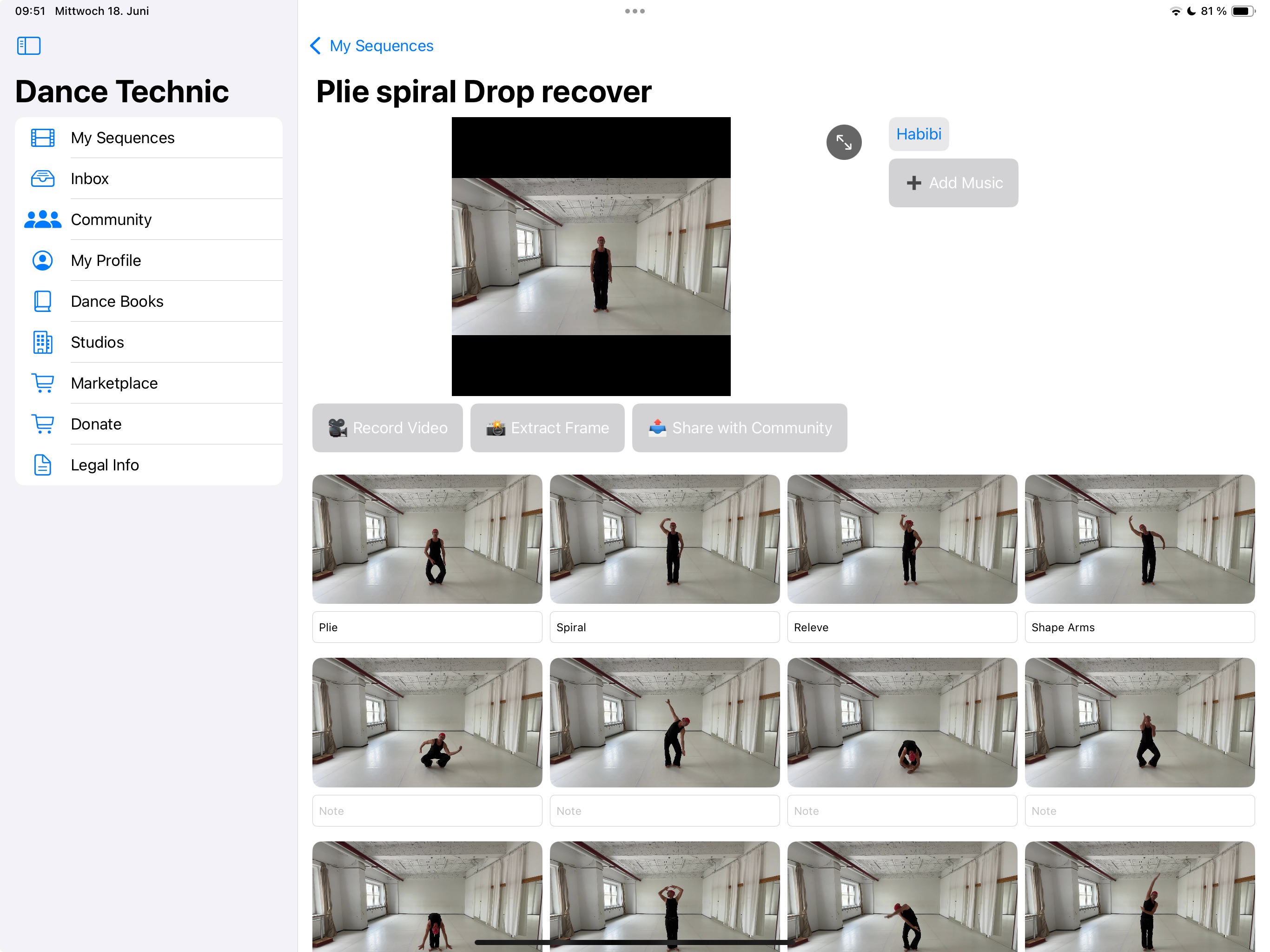
Open the sequence and record a video. Click Use Video.
Play the video and tap Extract Frame to create still images.
When you're happy with your sequence, you can share it with the community using Share with Community.
Use Add Music to save a Spotify link so you always know which music you used.
Community and Profile
To share in the community, you must create and verify your profile with an email address.
In the Community, tap the poster's profile image to send a message. Replies appear in your Inbox.
Under My Profile you can manage your personal details.
Books, Studios, and Marketplace
If you want to publish a dance book, essay, or PDF, go to Dance Books > Add Your Book.
All submissions are checked before publishing.
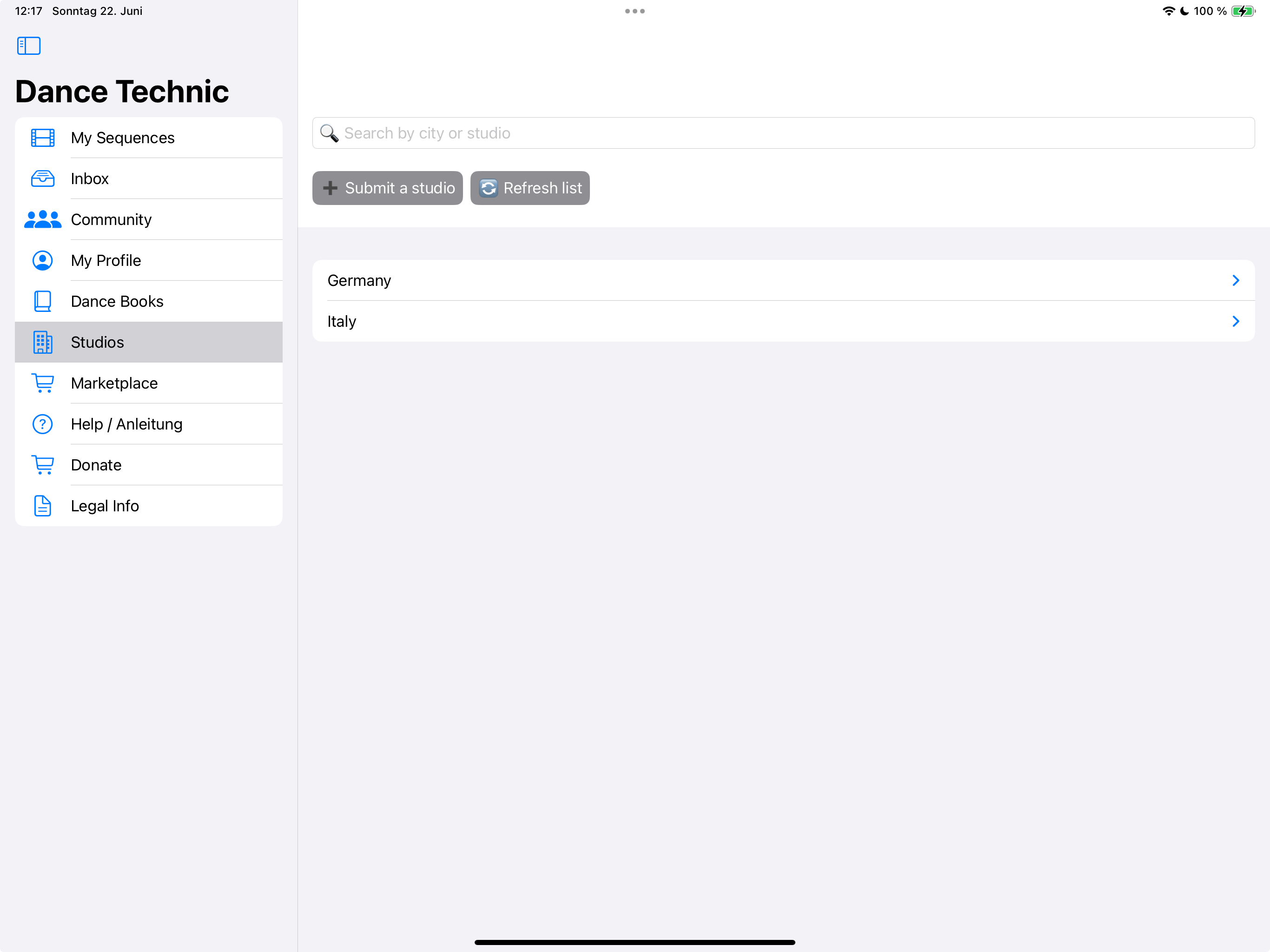
Studios can be added under Studios.
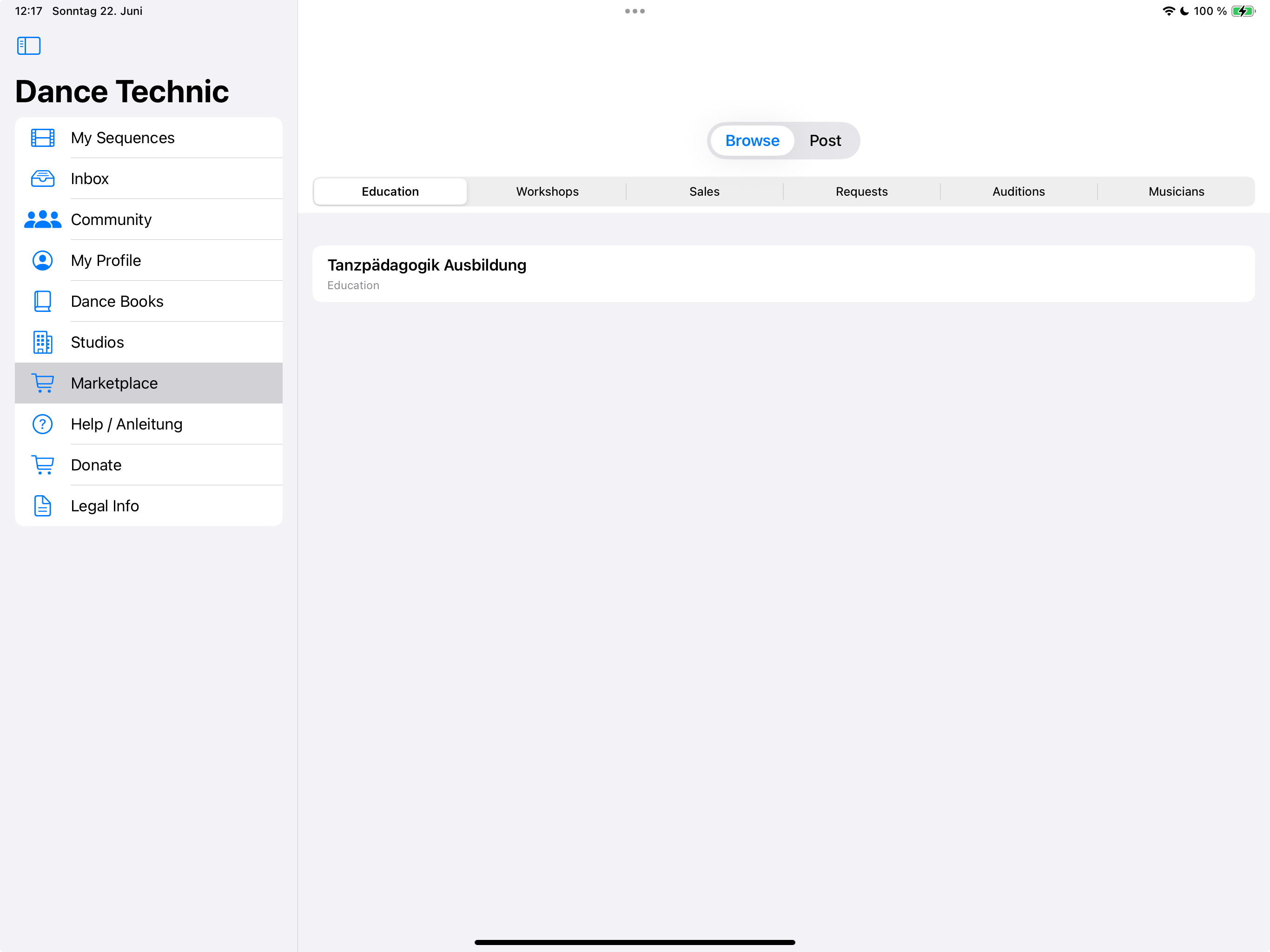
The Marketplace is for workshops, education, sales, auditions, and more.
If you like the project, please consider supporting us through Donate.
Imprint
Konstantin Tsakalidis, Tanz-Zentrale Leipzig
Erich-Zeigner-Allee 64 b, 04229 Leipzig, Germany
Phone: +49 341 21962300
Email: mail@tanz-zentrale.de
VAT ID: 09271/45621
Profession: Dance Educator
Editorial responsibility: Konstantin Tsakalidis
We are not willing or obliged to participate in dispute settlement procedures before a consumer arbitration board.
Liability for contents: We are responsible for our own content according to § 7 para.1 TMG. Liability for third-party content arises only after becoming aware of a specific infringement.
Liability for links: The respective provider or operator is always responsible for linked content.
Copyright: Contents on this site are subject to German copyright law. Third-party content is marked as such.
Willkommen zur Dance Technic App
Erklärvideo
Hinweis: Um alle Funktionen der App nutzen zu können, musst du zuerst ein Profil anlegen und verifizieren.
Klicke dazu auf Profil anlegen und starte dann los.
Erste Schritte
Lege unter My Sequences eine neue Sequenz an. Benenne sie zum Beispiel Plies oder Sprünge.
Öffne die Sequenz und nimm ein Video auf. Klicke auf Use Video.
Spiele das Video ab und klicke auf Extract Frame, um Einzelbilder zu erzeugen.
Über Share with Community teilst du die Sequenz in der Community.
Mit Add Music kannst du einen Spotify-Link hinterlegen, um später die verwendete Musik zuzuordnen.
Community und Profil
Um Inhalte zu teilen, lege unter My Profile ein Profil mit E-Mail-Adresse an und verifiziere diese.
In der Community kannst du auf das Bild eines Posters klicken und eine Nachricht senden (Antworten kommen in die Inbox).
Hinweis: Ohne Profil keine Community-Teilhabe.
Bücher, Studios und Marketplace
Tanzbücher, Essays oder PDFs veröffentlichst du unter Dance Books > Add Your Book.
Alle Einträge werden geprüft und freigeschaltet.
Studios können unter Studios hinzugefügt werden.
Im Marketplace gibt es Angebote zu Ausbildungen, Workshops, Verkäufen, Auditions uvm.
Unterstütze das Projekt gern über Donate!
Impressum
Konstantin Tsakalidis
Tanz-Zentrale Leipzig
Erich-Zeigner-Allee 64 b, 04229 Leipzig
Telefon: 0341 21962300
E-Mail: mail@tanz-zentrale.de
Umsatzsteuer-ID: 09271/45621
Berufsbezeichnung: Tanzpädagoge
Redaktionell Verantwortlicher: Konstantin Tsakalidis
Verbraucherstreitbeilegung: Wir sind nicht bereit oder verpflichtet, an Streitbeilegungsverfahren vor einer Verbraucherschlichtungsstelle teilzunehmen.
Haftung für Inhalte: Wir sind für eigene Inhalte nach § 7 Abs.1 TMG verantwortlich. Eine Haftung für fremde Inhalte entsteht erst ab Kenntnis konkreter Rechtsverletzungen.
Haftung für Links: Für Inhalte verlinkter Seiten ist stets der jeweilige Betreiber verantwortlich.
Urheberrecht: Die Inhalte auf dieser Seite unterliegen dem deutschen Urheberrecht. Inhalte Dritter sind als solche gekennzeichnet.